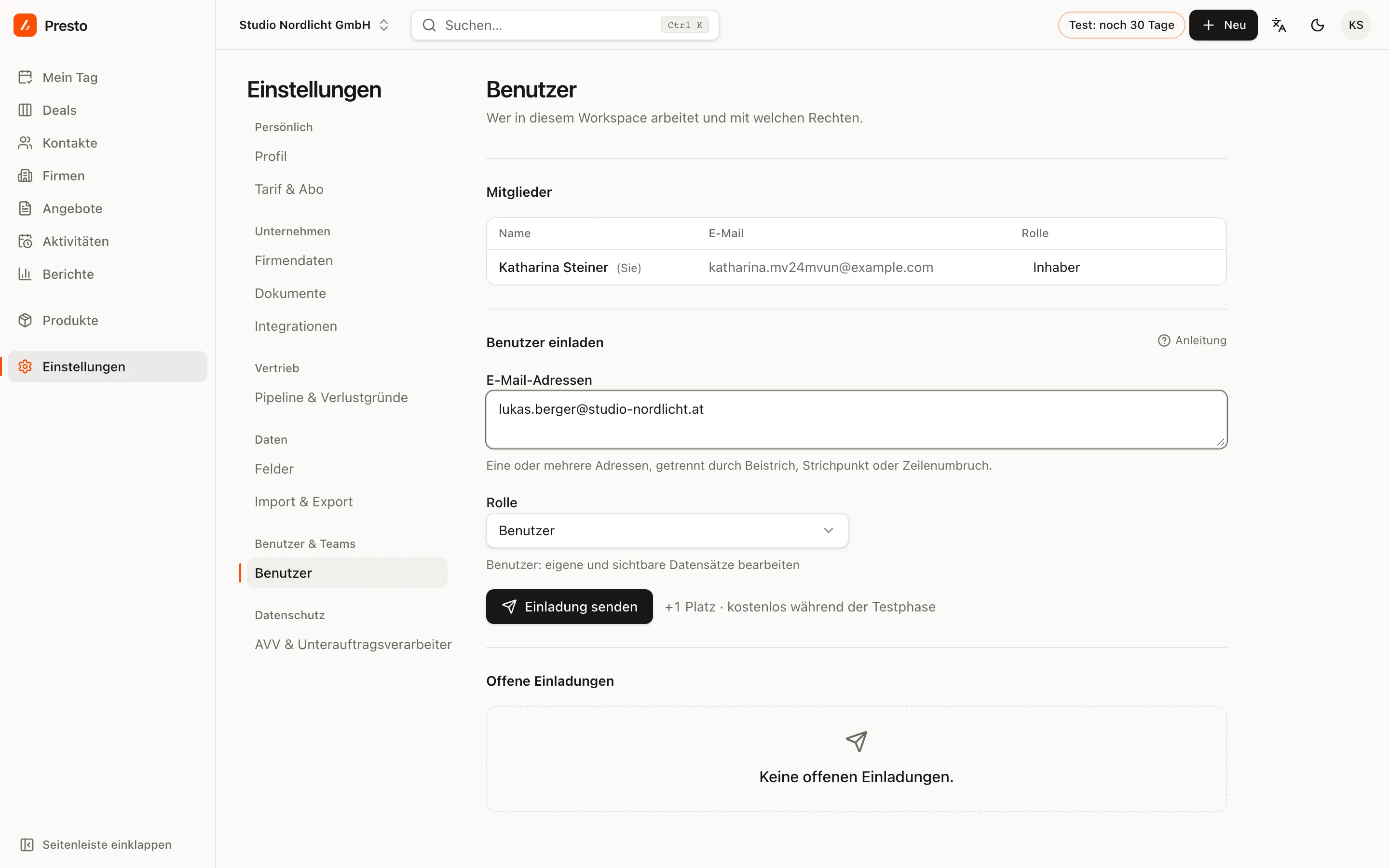
Under Settings → Users, owners and admins invite new members: one or more email addresses, a role, then Send invitation. The invitation is valid for seven days; you can withdraw open invitations.
Roles
| Role | Can |
|---|---|
| Owner | everything, including plan and billing |
| Admin | all data and settings, manage users |
| Manager | all data, export, no settings |
| User | edit their own and visible records |
| Read-only | sees everything, changes nothing |
You can change a role at any time in the user list. Anyone who leaves the team is removed there; their records stay.
What does a user cost?
You pay per user with edit rights. Read-only is free on every plan, for example for management or your bookkeeper. During the trial, all seats are free. After you subscribe, the subscription adjusts automatically when someone joins or leaves.
The Start plan allows up to three users with edit rights, see Trial and plans.
Several companies
If you work for several companies, create several workspaces. You switch between them at the top left; their data stays strictly separate.