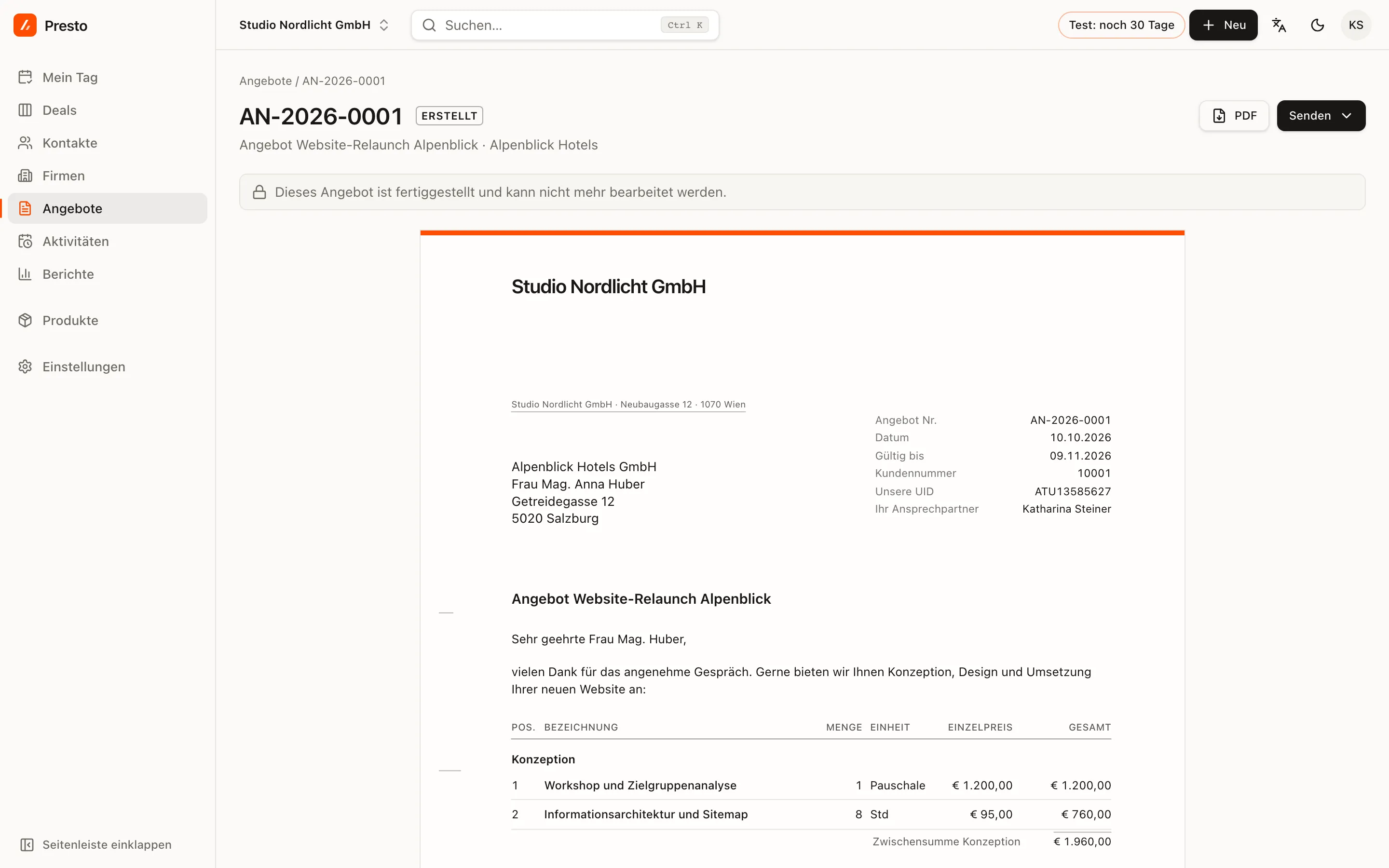
Finalise turns a draft into a document. PrestoCRM assigns the next number from your number range, freezes the content and your company details, and archives the PDF. From then on, what the customer received stays exactly as it was.
Which company details you need
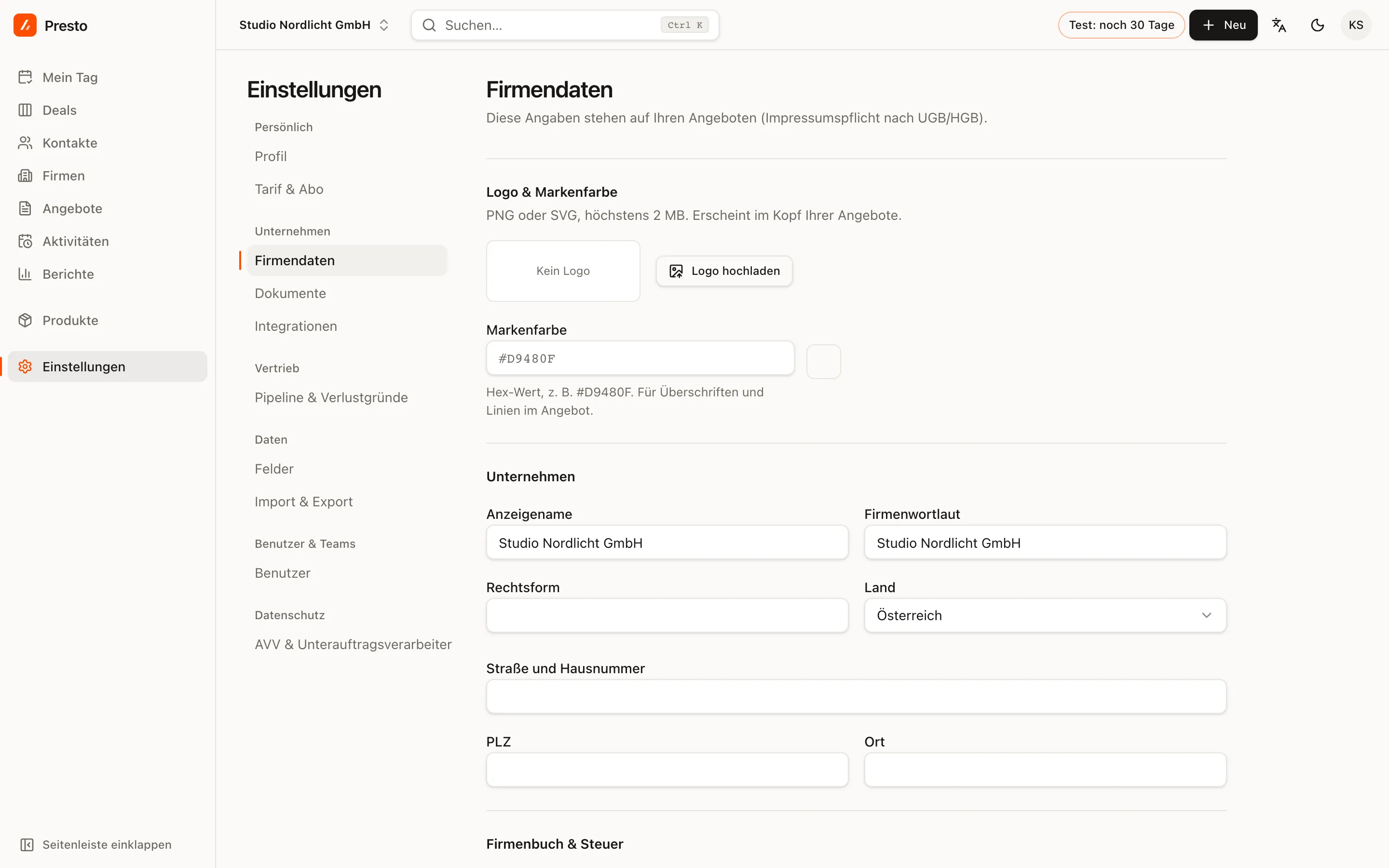
You cannot finalise a quote without these details; PrestoCRM tells you what is missing:
- Registered company name, street, postcode and town
- UID number (your VAT identification number) if you charge VAT (not as a Kleinunternehmer, a small business exempt from VAT)
- Firmenbuch number (Austrian company register) or Handelsregister number (German commercial register) for a GmbH, AG, KG, OG or similar legal form
Enter them under Settings → Company details, together with your logo, contact details and bank account for the footer.
The number range
The default is AN-{YYYY}-{####}, so AN-2026-0001, AN-2026-0002 and so on. Under Settings →
Documents you can change the pattern and the validity period and decide whether numbering starts
over every year. The preview shows the next number.
Numbers are assigned without gaps, and only when you finalise. Drafts have no number and can therefore be deleted; finalised quotes cannot.
After finalising
- PDF always downloads the archived document, even if you change your company details later.
- Send → Download PDF: PrestoCRM then asks whether the quote has been sent and sets its status to “Sent”. If you like, PrestoCRM schedules a follow-up reminder in five days; it appears on My day.
- When the customer replies, mark the quote as Accepted or Declined. If it is accepted, PrestoCRM offers to mark the deal as won.
- Hand an accepted quote to Lexware Office or sevdesk as an invoice draft with one click, see Hand quotes to accounting.
If something needs to change after finalising, create a new quote. That way it stays clear which version the customer received.